 Microsoft
 will launch
Windows Vista on Tuesday. Do you need it?
The short answer: probably not. At least, not right away.
That's not to say it's not a great new operating system. Check out some of the new features:
- Look and Feel - Windows has a clean, sleek look called Aero. Windows are semi-transparent, and looks similar to Mac OS X. It also features a new tool called Flip 3D which allows you to browse your open programs and documents in a 3D card-shuffling way. Windows Desktop Search also allows you to browse your computer much more accurately. Finally, Windows includes new "Gadgets," tiny programs that provide quick access to the weather, time, calculator and other mini-tools.
- Updated Windows programs - Microsoft Mail, Movie Maker, Paint and many other standard Windows programs have gotten facelifts and are built with new features. Among the coolest is that WordPad can now take dictation, allowing you to talk to your PC and have it write for you.
- Security - Microsoft has had a real problem with hackers trying to sabotage and hijack its software. With every release, the company claims its most secure version, only to release many fixes later. This time is no exception.
- Audio and Video - Microsoft is also putting plenty of effort into making Windows more graphics intensive. Mac OS has always given Windows a run for its money in the video department, but time will tell whether Vista can put OS X to shame. As mentioned above, Vista has also incorporated speech recognition.
- Networking - Vista has rebuilt its wireless networking capabilities, making the "connections" easier to enable and more stable.
- There are lots of other improvements, but it would take all day to list them. If you'd like to read up on more on them, check out Microsoft's Vista site or Wikipedia's list.
So do you need it? The better question is can you handle it? It's a really system-intense operating system, and odds are, unless you bought your computer within the last six months, Vista will drag. You can find out if your PC is tough enough with the
Windows Vista Upgrade Advisor.
If you've got enough muscle in your machine for it, the next question is, which Vista do you need?
There are three editions for the non-business user:
- Vista Home Basic - $99 (upgrade)/$199 (full), doesn't include the new look and feel
- Vista Home Premium - $159 (upgrade)/$239 (full)
- Vista Ultimate - $259 (upgrade)/$399 (full)
Don't get the Basic edition. It's missing most of the cool stuff, even if it is less intense on your computer. Home Premium will work for most average home PC users, unless you plan on recording TV on your computer. In that case, you'll need the Ultimate edition.
So, if your computer is new enough and you don't mind shelling out roughly $200 for the new version, Windows Vista is a good investment.
Nerds are pretty much in agreement on its greatness.
The New York Times/CNET gave it a 7.8 out of 10, and
PC World gives 15 reasons to upgrade.
But
Wired is joining the anti-Vista minority, stating that "you don't need Vista now."
No one is yet stating that Vista isn't a great OS. Instead, all the reservations people seem to have are about it being too potent for most computers, and certain issues it has with anti-virus programs.
My verdict:
Upgrade when you get your next computer
 Everyone needs Microsoft Word, right? If you're creating documents at work, writing term papers or just letters at home, you need to process words.
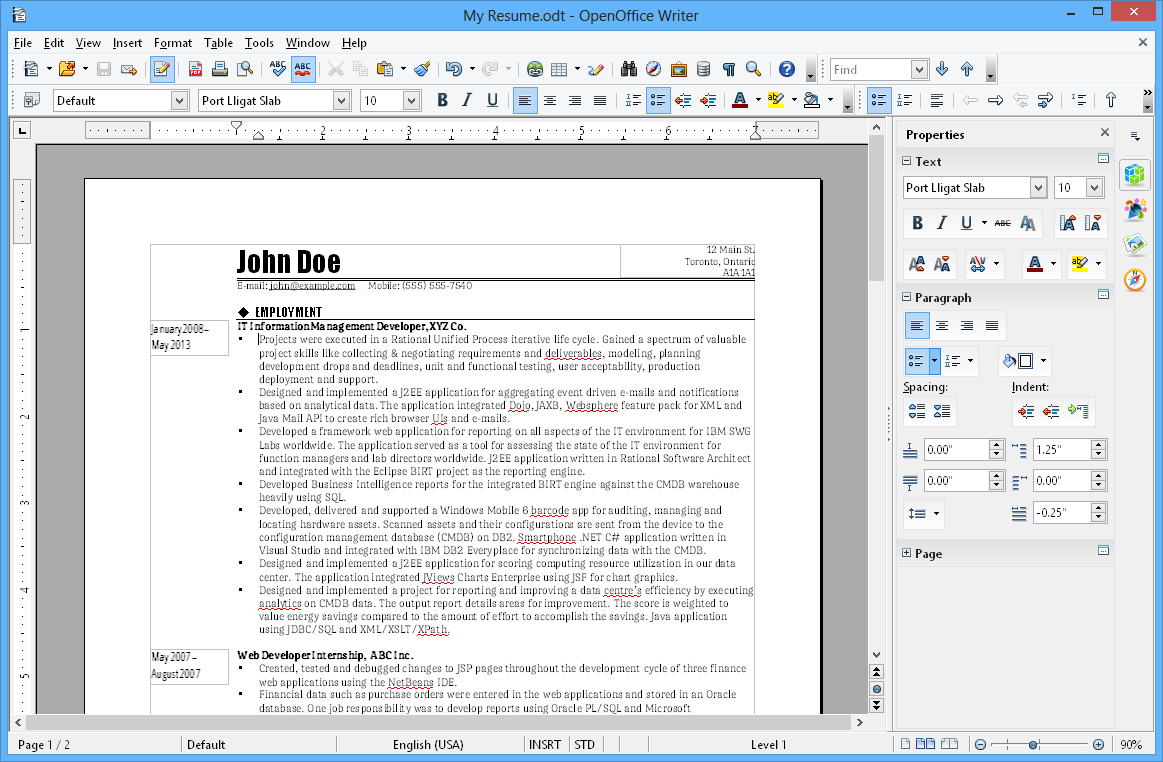 ), Impress (
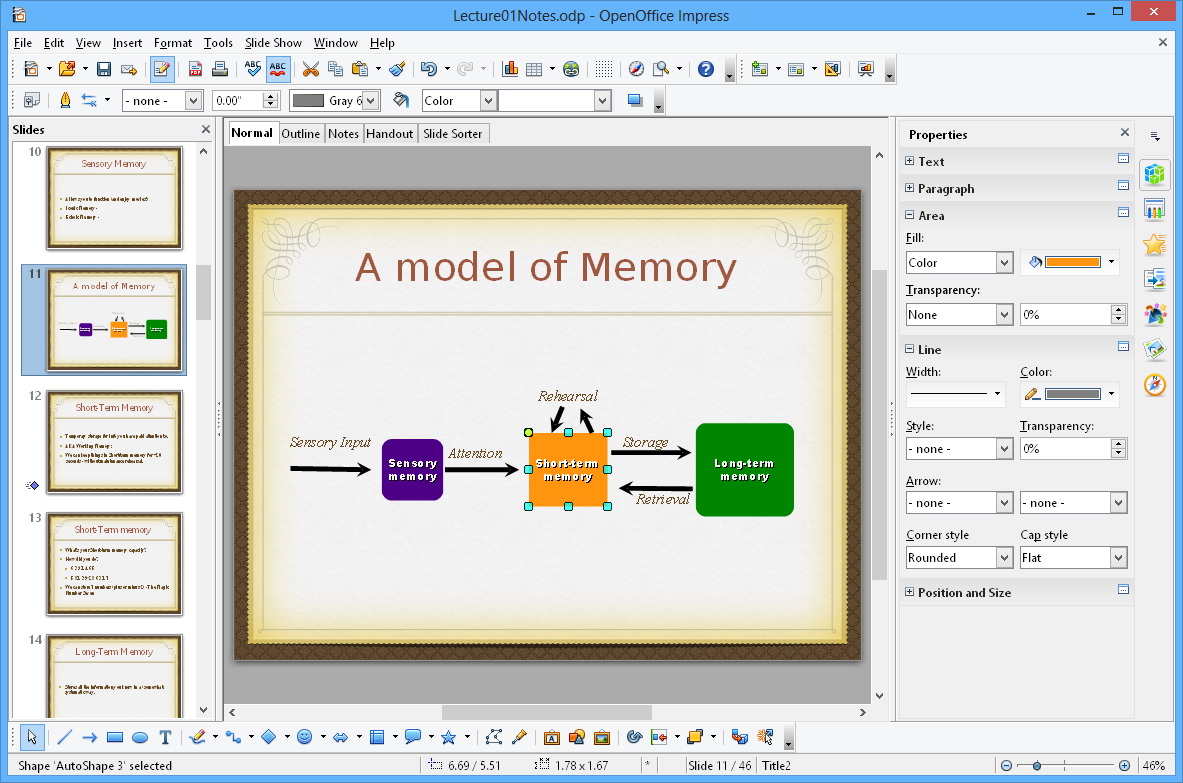 ), Math (
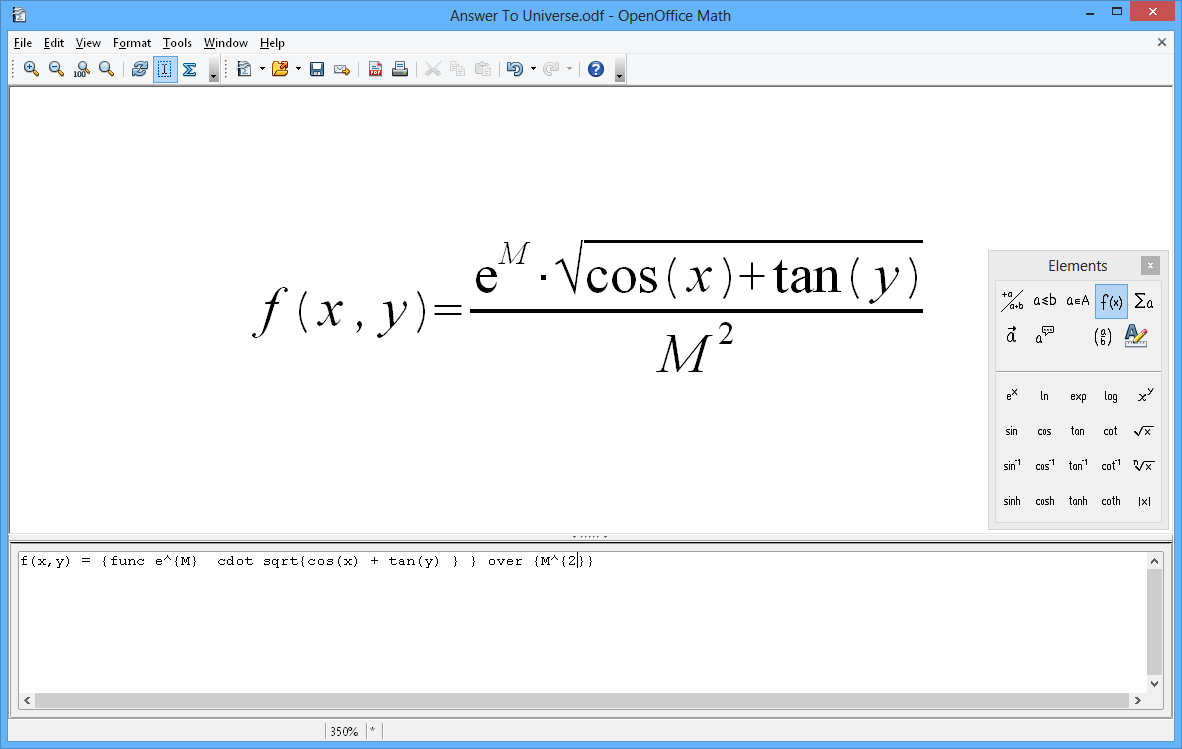 ), Draw (
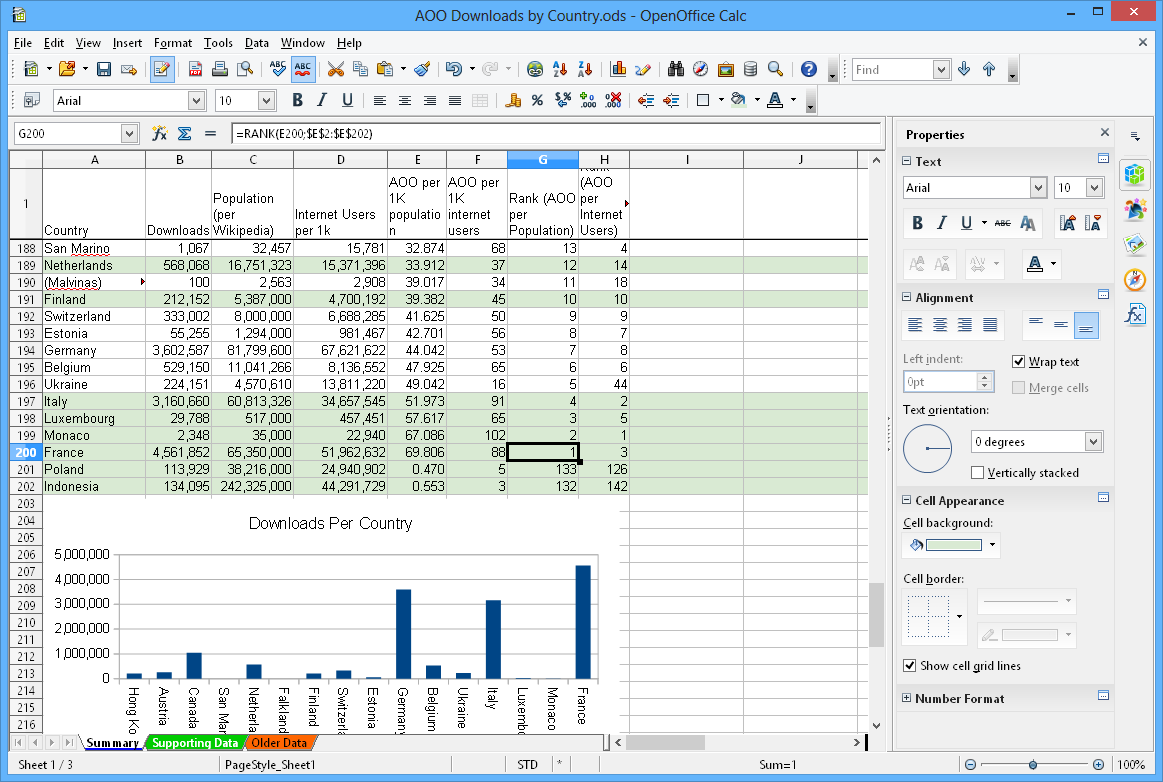
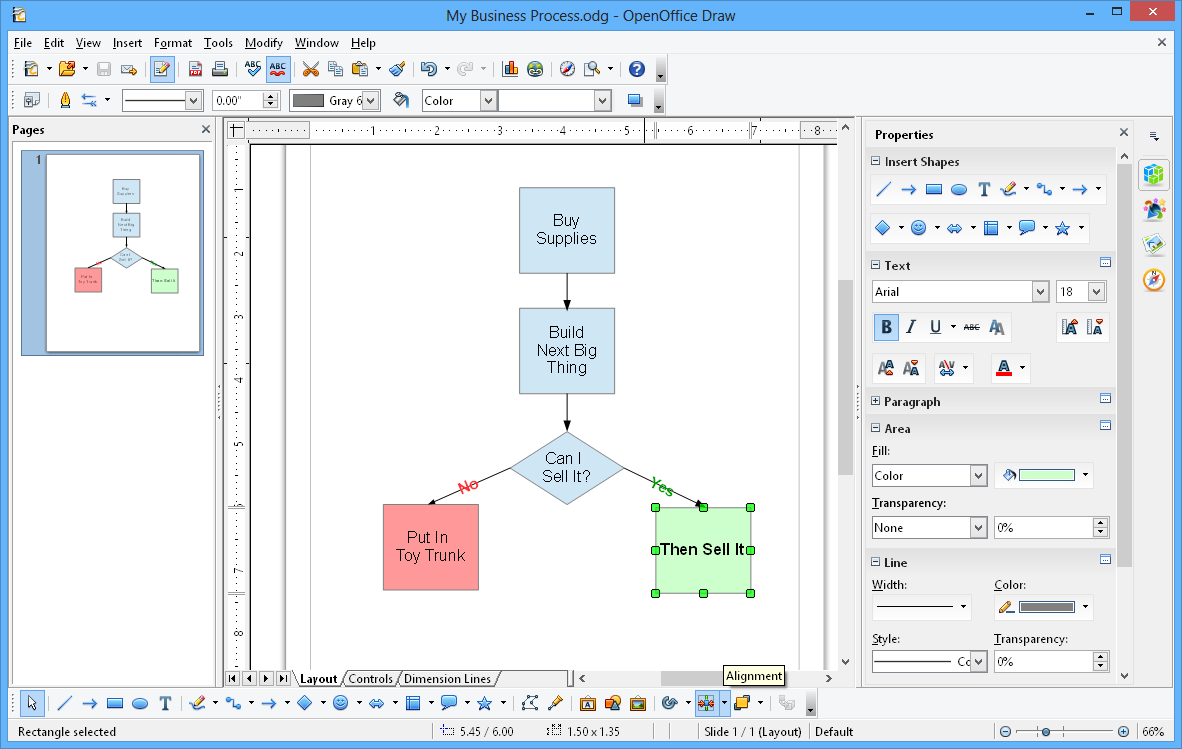 ), Calc (
 ) and Base (
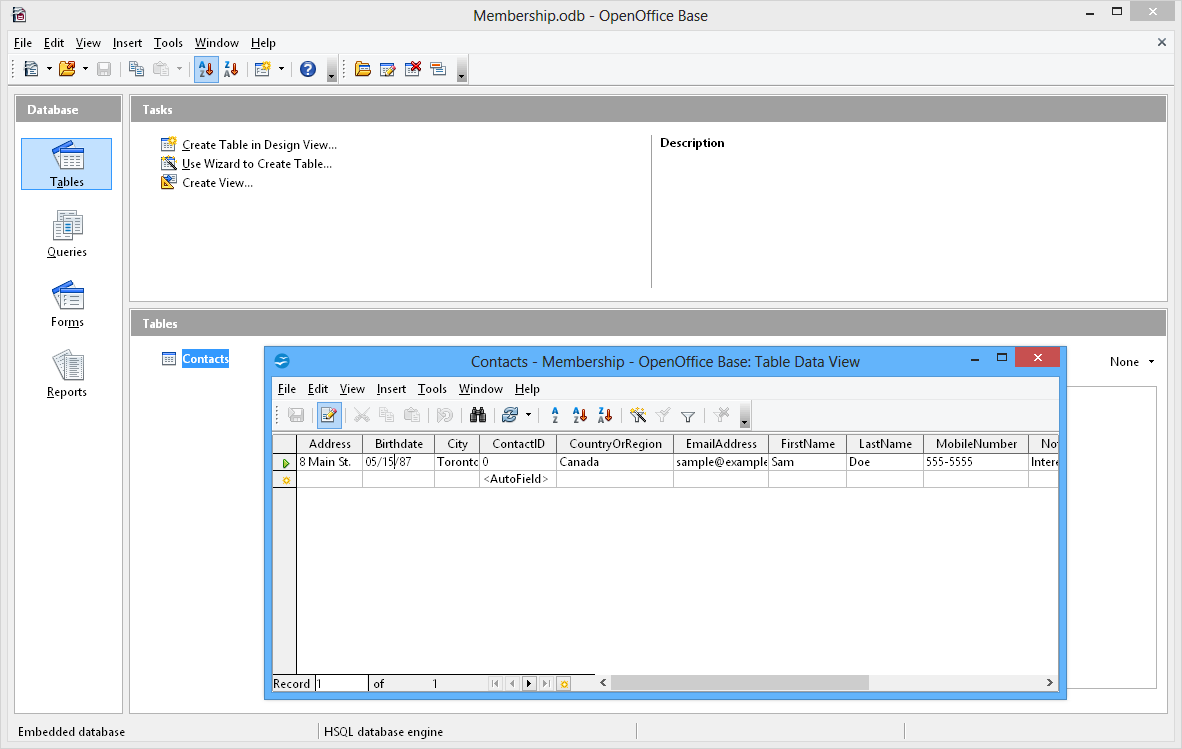 ) are all included to produce text documents, presentations, mathematical functions, vectored drawings, spreadsheets and databases.


